
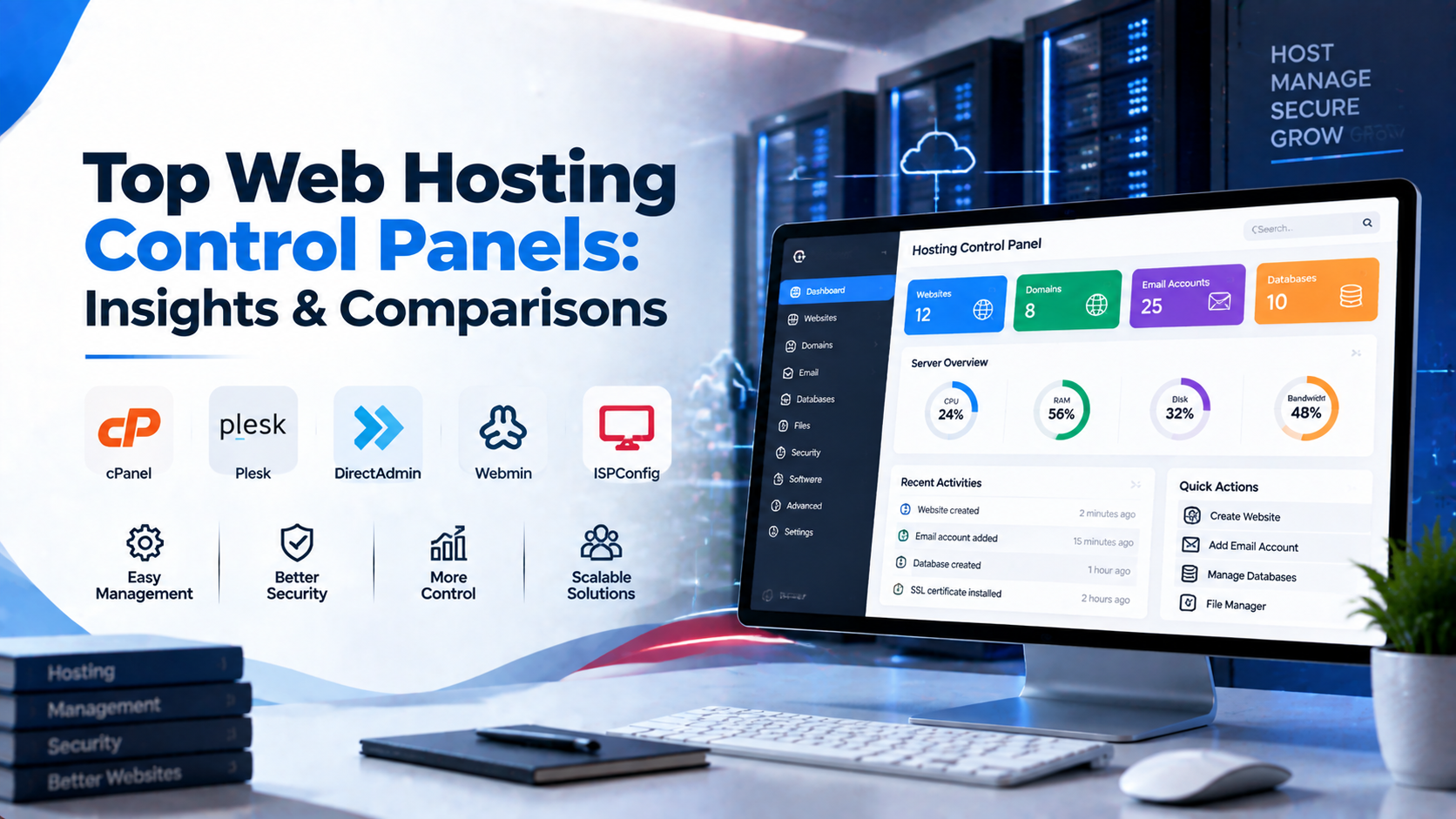
Choosing between cPanel and Plesk depends primarily on your server operating system, administrative workflow, and multi-tenant hosting requirements. cPanel with WHM remains the industry standard for Linux/AlmaLinux shared hosting automation, while Plesk offers native cross-platform support for both Linux and Windows Server environments, integrated Docker container management, and a clean modular GUI.
- OS Compatibility: cPanel exclusively runs on Linux (AlmaLinux, Rocky Linux, CloudLinux, Ubuntu), whereas Plesk supports both Linux and Windows Server.
- Administrative Architecture: cPanel separates server management (WHM) from end-user account management (cPanel), while Plesk utilizes a unified single-login interface.
- Modern Developer Tooling: Plesk provides built-in Docker, Git, and Node.js management out-of-the-box, ideal for modern DevOps workflows.
- Multi-Tenant Web Hosting: cPanel/WHM offers superior native account isolation, automated reseller billing integrations, and extensive third-party plugin ecosystems.
Deploying a virtual private server provides dedicated compute resources and root administrative access, but managing configurations exclusively via raw command-line interfaces introduces unnecessary operational overhead. For web hosting providers, digital agencies, and development teams, a web hosting control panel bridges raw server operating systems with automated website deployments, DNS zone management, email routing, database provisioning, and SSL enforcement. In the commercial server management ecosystem, two platforms dominate enterprise adoption: cPanel & WHM and Plesk Obsidian. Understanding their architectural differences ensures you choose the ideal control panel for your hosting stack. For organizations scaling high-throughput compute workloads, our scalable Linux VPS hosting solutions provides dedicated unmetered performance and enterprise hardware isolation.
Both platforms are maintained under the WebPros portfolio, yet their underlying architectures, web server integration pipelines, operating system compatibility, and interface workflows target distinct hosting philosophies. Evaluating cPanel versus Plesk requires examining memory footprints, web server execution models, developer tooling, security layers, and licensing economics to determine the right control panel for your VPS workload. When selecting a server administration interface, review our comprehensive Sentora open-source control panel deployment guide.
Architectural Overview: Dual-Tier WHM vs. Unified Plesk
The primary operational difference between cPanel and Plesk lies in how each platform isolates server-level administrative controls from domain-level management.
cPanel & WHM: Strict Two-Tier Architecture
cPanel operates on a split-system model consisting of two separate administrative environments running on distinct internal ports:
- WHM (Web Host Manager – Ports 2086/2087): The root-level administrative panel used by server operators and resellers. WHM controls global service daemons, PHP compilation pipelines (EasyApache 4), firewall rules, package tier definitions, and individual account creation.
- cPanel (Ports 2082/2083): The end-user dashboard dedicated strictly to a single tenant account. End users manage MySQL databases, subdomains, FTP accounts, file managers, and email inboxes without exposure to underlying server settings.
This dual-tier isolation makes cPanel the industry standard for commercial shared hosting and reseller hosting. Each customer operates within an isolated POSIX user jail, preventing configuration errors on one domain from compromising neighboring accounts or server-wide services.
Plesk Obsidian: Unified Subscription Architecture
Plesk takes a unified approach, housing all administrative levels within a single web interface running on port 8443. Plesk structures administration around roles and views:
- Service Provider View: Geared toward hosting companies and resellers, organizing management into customers, reseller tiers, service plans, and subscription packages.
- Power User View: Tailored for single-tenant VPS owners, digital agencies, and software developers. It places websites, staging environments, and applications at the center of the interface, eliminating multi-tenant reseller overhead.
Plesk manages resources through Subscriptions. A single customer account can hold multiple subscriptions, with each subscription bound to specific resource allocations (disk space, bandwidth, PHP memory limits). This structure is intuitive for digital agencies managing dozens of client websites on a single server.
Web Server Stacks and PHP Execution Models
A control panel’s performance is tied to how it orchestrates web servers and PHP execution pipelines.
cPanel: EasyApache 4 and MultiPHP
cPanel uses EasyApache 4 to provision Apache HTTP Server alongside multiple concurrent PHP versions. Under default deployments, cPanel routes traffic through Apache using the event Multi-Processing Module (MPM) paired with php-fpm pools per account. cPanel also supports reverse-proxy configurations using Nginx as an SSL termination and static asset caching layer in front of Apache.
For high-traffic environments, cPanel integrates with LiteSpeed Web Server as a commercial drop-in replacement for Apache. LiteSpeed handles tens of thousands of concurrent connections with low memory usage while utilizing cPanel’s native Apache virtual host configuration files.
- Configuration Parameter:
/usr/local/cpanel/scripts/ea4_metainfo.pl --action=list-profiles - Configuration Parameter:
/usr/local/cpanel/scripts/restartsrv_cpsrvd
Plesk: Flexible Nginx and Standalone Processing
Plesk provides a flexible, modular web server pipeline. By default, Plesk deploys Nginx as a reverse proxy directly in front of Apache. Incoming HTTP/HTTPS requests terminate at Nginx, which serves static content (images, CSS, JavaScript) directly from disk while proxying dynamic PHP requests to Apache.
Plesk allows administrators to disable Apache entirely on a per-domain basis, running websites in Pure Nginx Standalone Mode. In this configuration, Nginx communicates directly with PHP-FPM sockets, bypassing Apache overhead and reducing memory consumption on resource-constrained VPS instances.
- Configuration Parameter:
plesk sbin httpdmng --reconfigure-all - Configuration Parameter:
systemctl status plesk-php82-fpm
Operating System Compatibility and Resource Overhead
Operating system support defines the deployment boundaries of each control panel across cloud infrastructure.
Operating System Support
Historically, cPanel operated exclusively on CentOS. Following the end-of-life of CentOS 7, cPanel expanded its compatibility to AlmaLinux 8 and 9, Rocky Linux 8 and 9, CloudLinux, and Ubuntu 20.04/22.04 LTS. However, cPanel does not support Windows Server.
Plesk is a true cross-platform control panel. It runs natively across multiple Linux distributions (Ubuntu, Debian, AlmaLinux, Rocky Linux, RHEL) and offers full support for Windows Server (2016, 2019, 2022). On Windows, Plesk integrates natively with Internet Information Services (IIS), Microsoft SQL Server, and ASP.NET Core runtimes, making it the premier choice for organizations hosting .NET applications alongside PHP sites.
VPS Resource Utilization and Memory Footprints
On small to mid-sized VPS instances, the memory consumed by the control panel daemons affects the resources available for client applications. To achieve balanced multi-instance agility and cost efficiency, pair your deployment with enterprise dedicated server infrastructure featuring high-speed NVMe storage arrays.
- cPanel System Overhead: cPanel runs numerous background daemons (such as
cpsrvd,queueprocd,cpdavd,cphulkd, and Tailwatchd). A clean cPanel installation typically consumes 1.5 GB to 2.0 GB of RAM at idle. For production stability, cPanel requires a VPS with at least 2 CPU cores and 4 GB of RAM. - Plesk System Overhead: Plesk uses a modular microservice architecture powered by
sw-engineandsw-cp-server. A minimal Plesk deployment on Linux runs comfortably with an idle footprint of approximately 800 MB to 1.2 GB of RAM. This makes Plesk well-suited for lightweight VPS hosting environments where system resources must remain dedicated to application processes.
Developer Tooling, Containerization, and Staging Environments
Modern web engineering teams require automated CI/CD pipelines, container orchestration, and isolated staging environments.
Plesk: Native Docker, Git, and WP Toolkit
Plesk Obsidian is tailored for modern development workflows. It includes a native Docker Extension that lets administrators pull container images directly from Docker Hub, configure port bindings, map storage volumes, and run isolated containerized services (such as Redis, Elasticsearch, or Node.js microservices) from the GUI.
Plesk’s built-in Git integration allows developers to push code directly to the VPS using remote Git repositories (GitHub, GitLab, Bitbucket) or local repositories, triggering automated deployment actions upon push. Plesk’s WordPress Toolkit provides staging-to-production cloning, database synchronization, 1-click security hardening, and smart updates that test plugin upgrades in an isolated clone before applying them live.
cPanel: Git Version Control and Terminal Integration
cPanel provides a Git Version Control interface within end-user accounts, supporting automated webhooks to pull code into public directories. It also includes an integrated terminal emulator within the browser for authenticated users.
cPanel licenses the same underlying WP Toolkit technology found in Plesk. However, cPanel lacks native Docker container management within its core interface. Running Dockerized microservices or non-PHP runtimes alongside cPanel accounts requires manual command-line configuration and custom reverse-proxy routing via Apache virtual hosts.
Security Architecture and Server Defense Mechanisms
Both control panels provide multi-layered security frameworks to safeguard hosting environments against unauthorized intrusion, brute-force authentication attacks, and web application exploits.
cPanel Security Stack
- cPHulk Brute Force Protection: A built-in security daemon that monitors failed authentication attempts across SSH, WHM, cPanel, FTP, and mail services, automatically blocking offending IP addresses at the firewall or kernel level.
- ModSecurity & OWASP CRS: Native management of ModSecurity web application firewall rules, with one-click installation of OWASP Core Rule Sets or commercial vendor rules via WHM.
- ConfigServer Security & Firewall (CSF): Although a third-party plugin, CSF integrates into WHM, providing an advanced stateful firewall, login failure daemon (LFD), and port flood protection.
- CageFS & CloudLinux: In multi-tenant environments, cPanel pairs with CloudLinux OS to place each user inside an isolated virtualized filesystem (CageFS), preventing local privilege escalation and cross-account file snooping.
Plesk Security Stack
- Plesk Advisor: A centralized security auditing dashboard that scores server security posture and offers automated remediations for TLS configuration, firewall states, and password strength policies.
- Fail2ban Integration: Plesk integrates Fail2ban natively into its interface, providing pre-configured jails for SSH, web server authentication, mail protocols, and control panel login endpoints.
- ModSecurity & ImunifyAV: Plesk includes built-in ModSecurity rule management and integrates with ImunifyAV for automated malware scanning, file cleanup, and reputation monitoring.
- Repair Kit: A diagnostic engine accessible even when the primary web server daemon fails, allowing administrators to repair corrupted virtual host files, database tables, and permissions via automated self-healing scripts.
Licensing Models and Operational Economics
Control panel licensing represents a recurring operational expense that scales with the number of hosted domains and accounts.
cPanel Account-Based Pricing
cPanel enforces an Account-Based Tiered Licensing Model. Under this structure, licenses are priced based on the exact number of active cPanel accounts created on the server:
- Solo: 1 cPanel account.
- Admin: Up to 5 cPanel accounts.
- Pro: Up to 30 cPanel accounts.
- Premier: Up to 100 cPanel accounts (with additional per-account fees for every account over 100).
For shared hosting providers hosting thousands of small websites across separate cPanel accounts on large bare-metal dedicated servers, per-account fees add substantial recurring costs.
Plesk Domain-Bracketed Pricing
Plesk licenses are structured around domain capacity tiers rather than individual user accounts:
- Web Admin Edition: Up to 10 domains. Tailored for small business VPS instances, focusing strictly on basic website management without reseller capabilities.
- Web Pro Edition: Up to 30 domains. Includes the WordPress Toolkit and developer extensions, designed for digital agencies managing client portfolios.
- Web Host Edition: Unlimited domains. Designed for commercial web hosts and resellers, allowing unlimited domain creation without incremental per-domain licensing charges.
For digital agencies managing dozens of micro-sites or staging domains on a single VPS, Plesk’s Web Pro or Web Host editions offer predictable monthly licensing costs.
Detailed Comparison Matrix
The following table outlines the architectural specifications of cPanel & WHM and Plesk Obsidian:
| Technical Parameter | cPanel & WHM | Plesk Obsidian |
|---|---|---|
| Interface Structure | Dual-Tier (WHM for admin, cPanel for users) | Unified Console (Service Provider & Power User views) |
| Supported OS | AlmaLinux, Rocky Linux, CloudLinux, Ubuntu | AlmaLinux, Rocky Linux, Ubuntu, Debian, RHEL, Windows Server |
| Default Web Stack | Apache (Event MPM) + PHP-FPM / Nginx reverse proxy | Nginx reverse proxy + Apache / Pure Nginx standalone |
| Idle Memory Usage | 1.5 GB – 2.0 GB RAM | 800 MB – 1.2 GB RAM |
| Windows / ASP.NET | Not Supported | Full Native Support (IIS & MSSQL) |
| Docker Integration | Requires manual CLI management | Native graphical Docker extension |
| Licensing Model | Per-account pricing tiers | Domain-bracketed tiers (10 / 30 / Unlimited) |
| Best Suited For | Multi-tenant shared hosting, resellers | Web agencies, developers, Windows servers, single-tenant VPS |
Decision-Making Framework: Selecting the Right Panel for Your Workload
To choose the right control panel for your VPS deployment, evaluate your infrastructure against these operational criteria:
Choose cPanel & WHM If:
- You run commercial shared or reseller hosting: The strict separation between WHM and individual cPanel accounts provides security isolation and account caging when selling hosting to external customers.
- Your staff has existing cPanel administration skills: cPanel has been the hosting industry standard for two decades. Finding systems administrators, automated billing plugins (WHMCS, Blesta), and community tutorials is straightforward.
- You rely on CloudLinux and CageFS: If your business model requires dense multi-tenant hosting with strict CPU, RAM, and I/O throttling per account, cPanel’s integration with CloudLinux provides high operational stability.
Choose Plesk Obsidian If:
- You operate a digital agency or software development shop: Plesk’s Power User view, native Git webhooks, integrated Docker management, and staging tools create an efficient developer environment on a single VPS.
- You require Windows Server and .NET compatibility: Plesk is the standard control panel for managing IIS web servers, ASP.NET applications, and Microsoft SQL Server databases.
- You want minimal resource overhead: Running Plesk in Pure Nginx standalone mode conserves CPU cycles and memory buffers, allowing more server capacity for your web applications.
- You manage many small websites with predictable costs: Plesk’s Web Host edition eliminates incremental per-account fees, providing a fixed licensing cost for high-density domain hosting.
Frequently Asked Questions
Q:
Which control panel is better for web hosting, cPanel or Plesk?
Q:
Can I migrate existing websites from cPanel to Plesk without data loss?
Q:
What operating systems support modern web hosting control panels?
Q:
How does a control panel simplify multi-tenant account isolation?
Q:
Is root administrative access required to install and manage a control panel?
Q:
What automated backup mechanisms are integrated into hosting control panels?
Infrastructure Decision Framework: Choosing Your Deployment
Balancing low latency transit, dedicated hardware isolation, and predictable operating costs ensures long-term performance stability for enterprise applications.
Deploy high-performance scalable VPS hosting solutions equipped with enterprise NVMe storage arrays, redundant network uplinks, and 24/7 expert engineering support from Onlive Infotech.
For streamlined domain management and server configuration across multi-tenant environments, refer to our comprehensive Plesk vs cPanel hosting control panel guide.
•

✓
